For faceless YouTube Shorts channels

Raw clips in.Finished Shorts out.

Upload one clip. Get back a full-screen vertical Short with the story found, captions written, freeze frames and sound placed. You approve the plan before it renders.

Real renders, untouched · shown muted

Example

Real renders, untouched · shown muted

Finds the storyFills the frameWrites the captionsFreeze framesSlow motionSound designQuality check

The edit, step by step

Scroll. Watch it get edited.

One real clip, six things the editor does to it. Every picture here is the actual render.
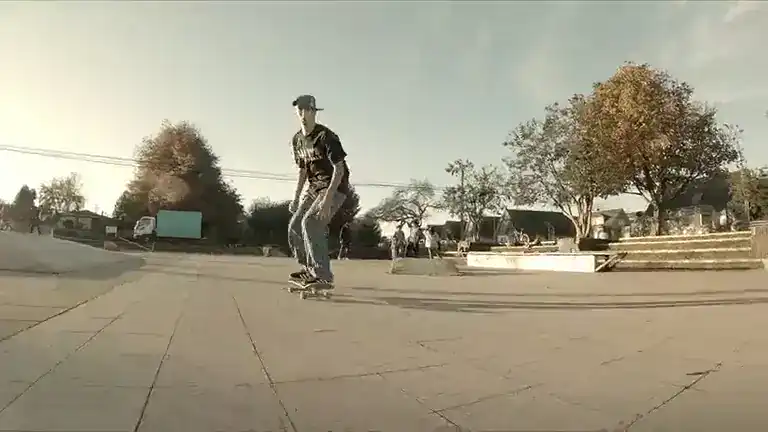
Checking black bars
Reframed to 9:16Story foundCaptions writtenFreeze + slow motionSound designedQuality check passed
Before · raw clip · 0:07 · 16:9

How it works

Three steps. One of them is yours.

  1. skate.mp4 · 0:07 · 16:972%
    01

    Upload one clip

    Landscape or vertical, straight from your camera roll or a clip you have the rights to. Pick a template, add your own music if you like.

  2. 0:00Hook: “He’s going for the rail”
    0:03Freeze mid-air: “Will he land it?”
    0:05Slow-motion replay, then the landing
    Approve plan
    02

    Approve the story

    The editor watches the whole clip and proposes a story plan: what to keep, what the captions say, where the big moments land. Nothing renders until you say yes.

  3. Quality check passed
    03

    Post your Short

    It renders, runs its quality check and hands you a full-screen vertical Short. Tweak anything in the timeline or just ask in the chat. Re-renders after tweaks are free.

Before / after

Same clip. Different league.

Each raw clip went through our pipeline once. Next to each one is the render, untouched, shown muted.

Before · raw clip0:09 · 16:9
After0:12 · 9:16
Narrated Clip template
Funny moment → narrated story

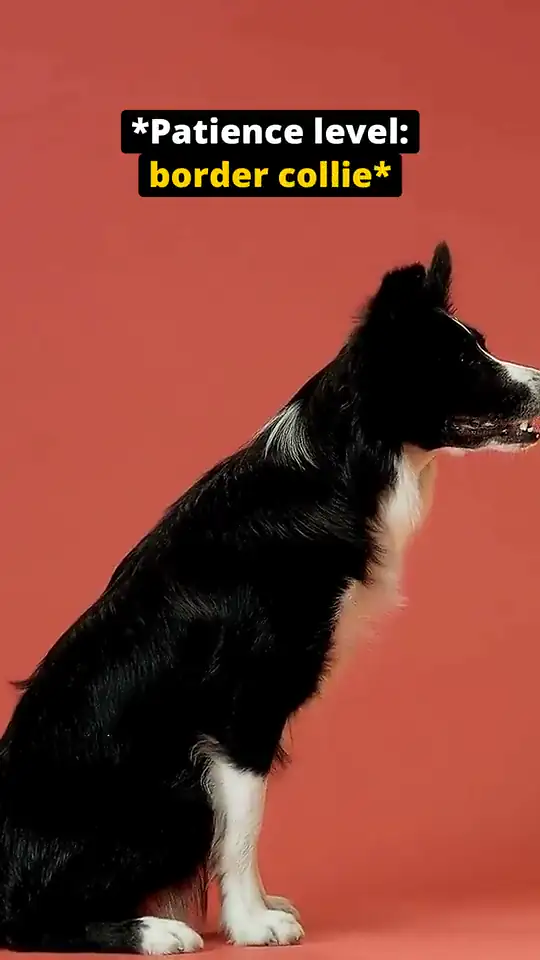
9 s of a dog waiting for a treat, told by the dog itself, with a freeze on the jump.

  1. 0:00Hook: “Patience level: border collie”
  2. 0:04Freeze mid-jump: “Self-control: expired”
  3. 0:11Payoff: “Good boy behavior: over”
Before · raw clip0:07 · 16:9
After0:12 · 9:16
Narrated Clip template
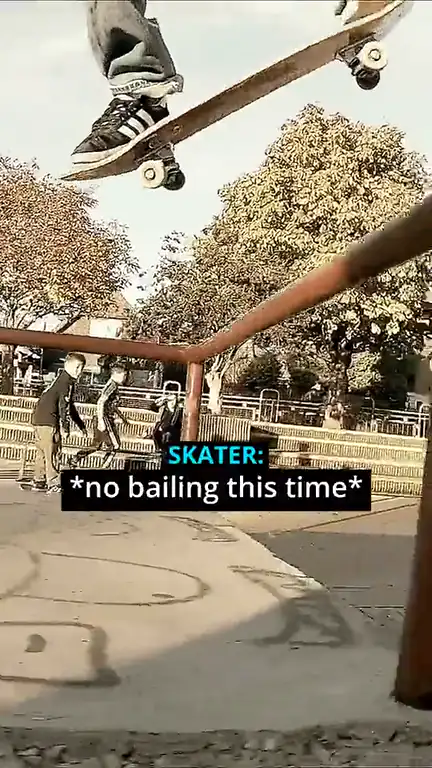
One rail, one try

A 7 s skate clip becomes a 12 s story: hook, freeze mid-air, slow-motion replay, payoff.

  1. 0:00Hook: “He’s going for the rail”
  2. 0:03Freeze mid-air: “Will he land it?”
  3. 0:05Slow-motion replay, then the landing
Before · raw clip0:19 · 16:9
After0:15 · 9:16
Narrated Clip template
Process clip → captioned Short

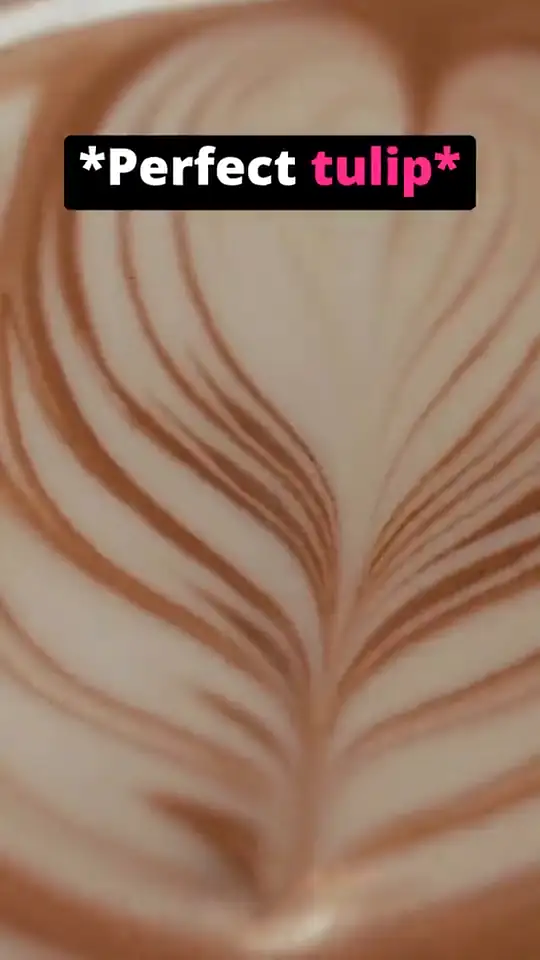
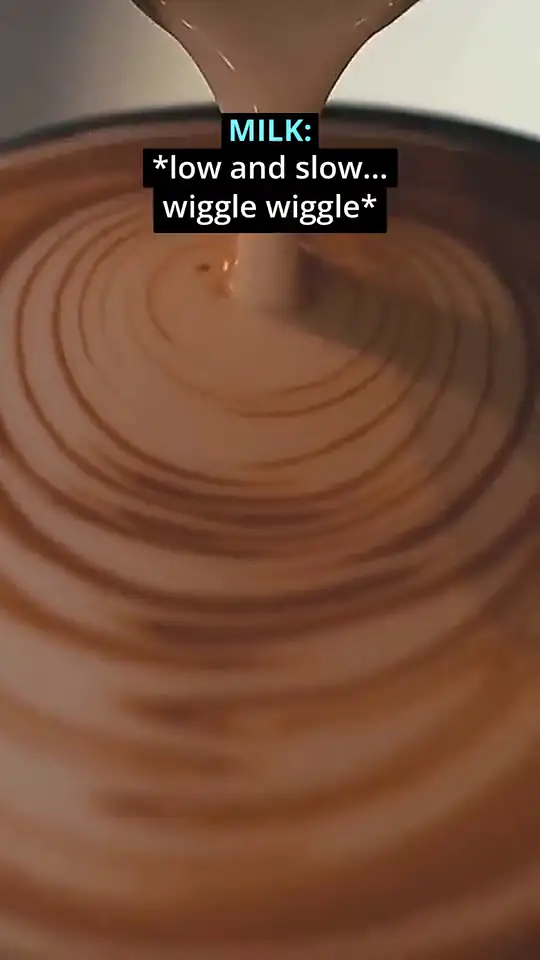
Latte art cut to the 15 s that matter, with captions on every step.

  1. 0:00Hook: “Watch a tulip appear”
  2. 0:09Freeze before the final move
  3. 0:13Payoff: “Perfect tulip”

Raw footage: free stock clips from Pexels. Sources and credits

Real renders · nothing touched by hand

3 clips · one upload each

01
02
03
04
05
06

What makes it different

Edited like a pro would edit it.

HookTurnPayoff0:19 → 0:15

It finds the story

Most tools cut on silence. This one watches: a fast pass over the whole clip, then frame by frame around the moments that matter, and builds a hook, a turn and a payoff.
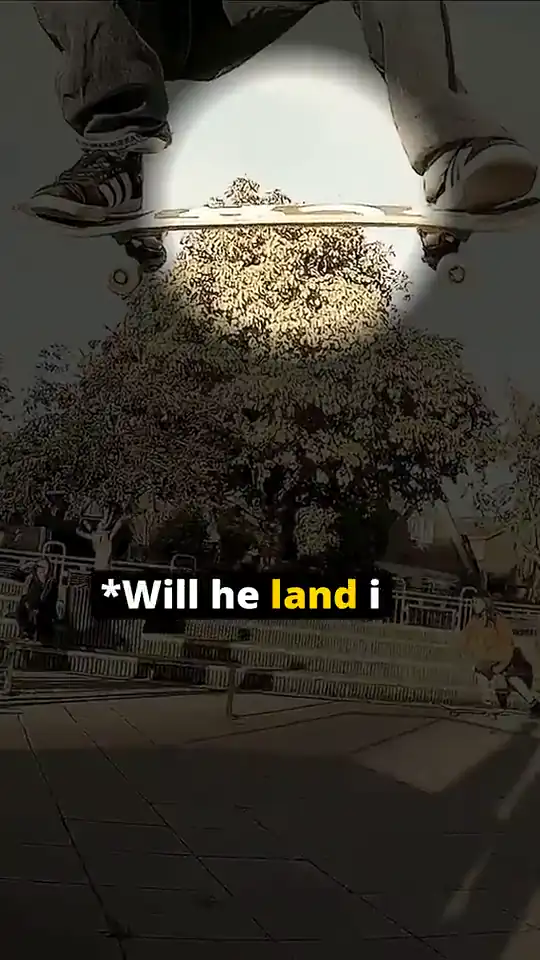
A freeze frame: the skateboard held mid-air under a spotlightFREEZE · 1.8 s

Big moments, placed

Freeze frames and slow-motion replays where the story peaks, not at random.

whooshriserimpact

Sound design, not just music

Sound effects placed on the action, mixed under the music you upload.

  • No black bars at the edges
  • No flash cuts or 1-frame blips
  • Captions never cover a face
  • Every sound audible, nothing clipping
  • Report included with every video

A quality check before you see it

Every render is checked automatically for black bars, flash cuts, captions over a face and sound problems. You get the report with the video.

Templates

One upload. Many kinds of Shorts.

Pick a template, upload your clip, get a finished Short in that style. Narrated Clip works today; the others are being built and say so.

  • Available
    Narrated Clip

    One clip told as a story: hook, captions, freeze, payoff.
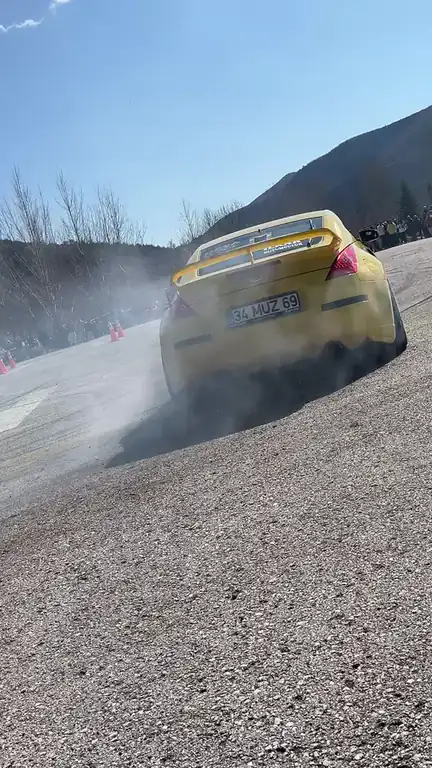
  • #5
    Coming soon
    Top 5 Ranking

    Several clips, ranked and counted down.
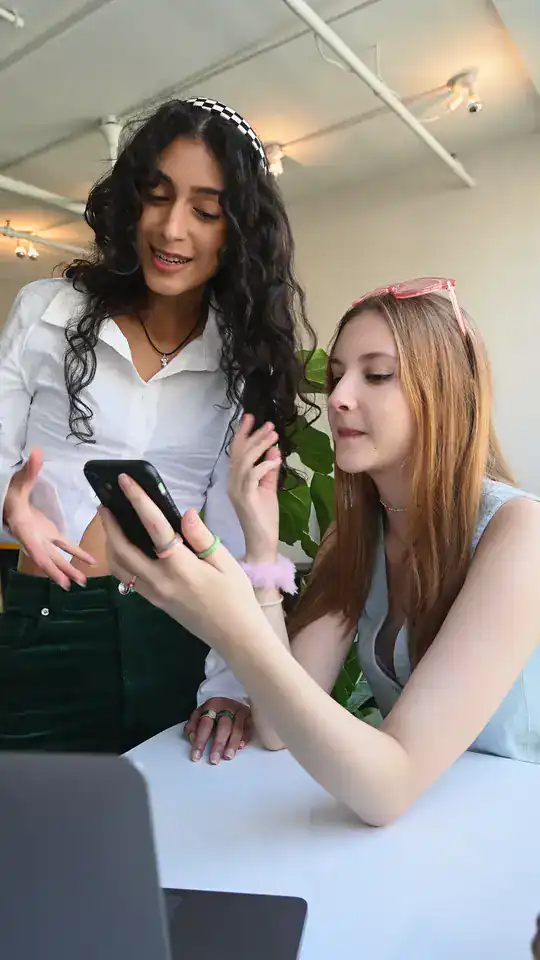
  • WAIT FOR IT
    Coming soon
    Reaction / Story Clip

    A clip with the story told around it.
  • DID YOU KNOW?
    Coming soon
    Facts

    Quick facts over matching footage.

  • Coming soon
    Satisfying / Process

    A process from start to finish, paced to satisfy.
  • Coming soon
    Compilation

    The best moments of several clips in one Short.

Revision chat

Not quite right? Just say so.

Ask for changes in plain words. Every answer is a new version you can compare side by side, keep, or undo with one tap.

Revisions
v1v2v3
Name the rail in the first caption and keep the music quieter under the captions.
Done. The first caption now reads “He’s going for the rail” and the music dips whenever a caption is on screen.
Version 3 readyCompare with v2Undo
Perfect. Hold the freeze a little longer?
Working on version 4…

Pricing preview

Pay for finished video, not for tries.

1 credit = 10 seconds of finished Short. Failed renders are refunded automatically, and re-renders after your tweaks are free.

Launch pricing · may change
Free
€0to start
No card needed
  • 2 videos to try it
  • Watermark on the video
  • No upscaling
Starter
€27/ month
or €270 a year
  • 15 credits a month
  • 2.5 min of finished video
  • About 5 Shorts of 30 s
  • No watermark, upscaling available
  • 1 render at a time
Creator
€69/ month
or €690 a year
  • 45 credits a month
  • 7.5 min of finished video
  • About 15 Shorts of 30 s
  • No watermark, upscaling available
  • 2 renders at once
Studio
€179/ month
or €1,790 a year
  • 130 credits a month
  • 21.7 min of finished video
  • About 43 Shorts of 30 s
  • No watermark, upscaling available
  • 3 renders at once

Prices in EUR, excluding VAT. AI upscale (HD) costs 1 extra credit per video. Annual plans: 2 months free, credits arrive monthly. Need more? Top up 10 credits for €22, valid 90 days.

FAQ

Questions, answered.

What does it actually do?+
You upload one clip and pick a template. shorts-app plans the edit like an editor would: it finds the story, reframes it to a full-screen vertical Short, writes and times the captions, adds big moments like freeze frames and slow motion, designs the sound and runs an automatic quality check (black bars, flash cuts, captions over a face, sound problems). You approve the story plan before anything renders.
Who is it for?+
Faceless YouTube Shorts channels, and anyone who posts clips without being on camera. You bring footage you have the rights to; it turns each clip into a finished Short.
Which templates are there?+
At launch: Narrated Clip, one clip turned into a captioned story. Top 5 Ranking, Reaction / Story Clip, Facts, Satisfying / Process, Compilation are being built. They show as “Coming soon” until they work, and waitlist members hear when each one goes live.
Do I need editing skills?+
No. You approve or change the plan in plain words. If you want control, the timeline editor lets you fix any detail, and the revision chat takes requests like “make the hook punchier”.
Which formats can I export?+
Whatever you uploaded, or 9:16 or 3:4. The frame is always filled: no black bars.
What about music?+
You upload your own music. We don't ship a library of copyrighted songs. Sound effects are licensed or created for us.
Where is my data stored?+
In the United States (US East). If you are in the EU, your data is transferred to the US under the EU's standard contractual clauses. Raw uploads are deleted 30 days after upload. Details in the privacy policy.
How does the waitlist work?+
Join, confirm your email, and you get a place in line plus your own invite link. Every friend who confirms through it moves you up 10 places. Early access goes out in waitlist order.
What will it cost?+
See the pricing preview above. Launch pricing may still change; waitlist members hear about it first. The Free plan lets you try two videos.

Early access

Be first in line.

Early access goes out in waitlist order. Share your invite link after you confirm: every friend who joins moves you up 10 places.

  • Your place in line, the moment you confirm
  • Launch pricing before anyone else
  • One email to confirm, then launch news only

Free. One confirmation email, then launch news only.